Product / Connections
Connect your tools once and control what agents can read
Connect GitHub, Google Workspace, Linear, Notion and 90 more through MCP. Each project chooses what its agents can read.
- GitHub
- Google Workspace
- Atlassian
- Linear
- Notion
- Microsoft Learn
A store
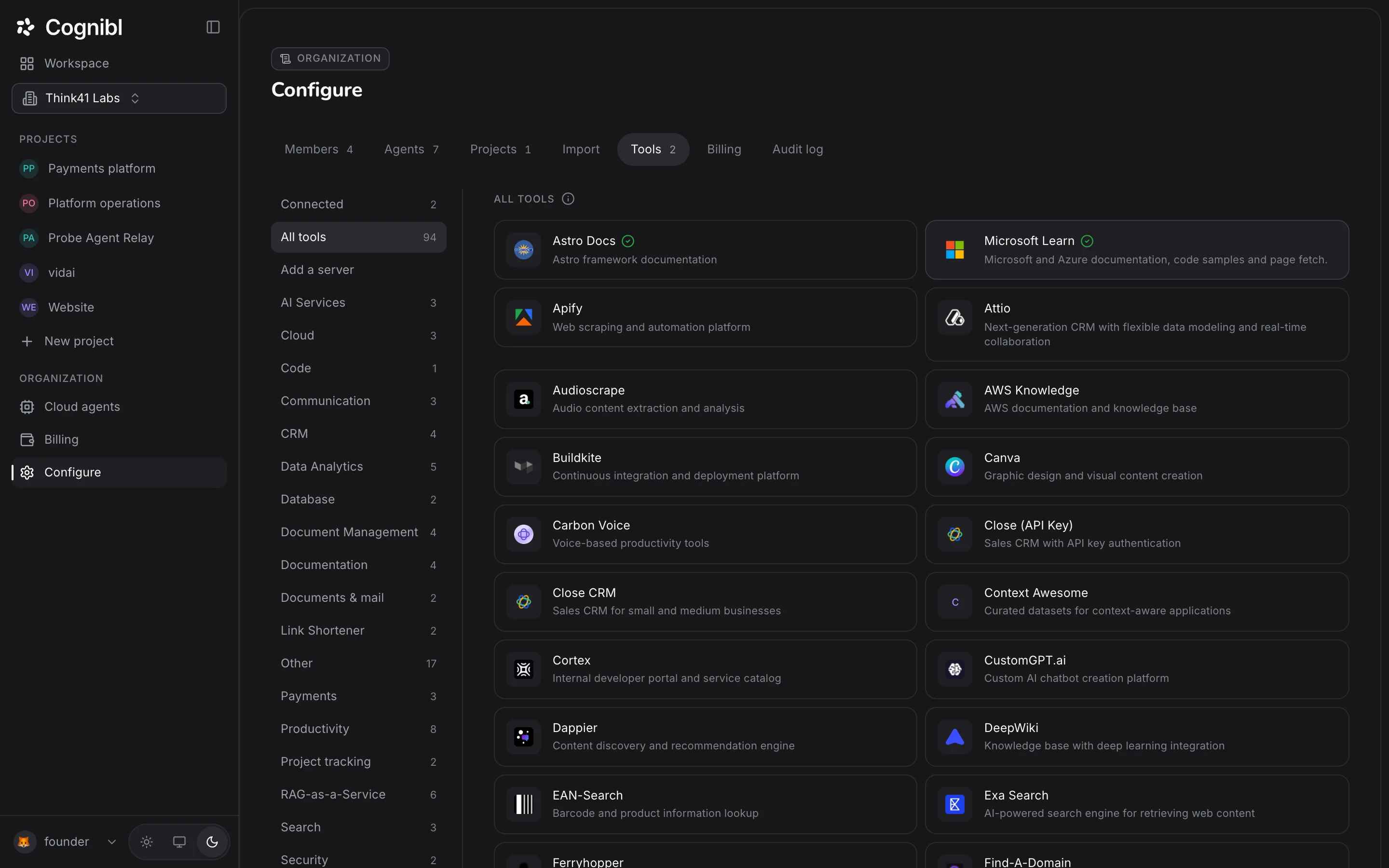
Browse 94 tools by category
94 providers by category. Six are certified by Cognibl.
- All tools94
- Software Development17
- Productivity8
- RAG-as-a-Service6
- Data Analytics5
- CRM4
- GitHubCode
- Google WorkspaceDocuments & mail
- AtlassianProject tracking
- LinearProject tracking
- NotionDocuments & mail
- Microsoft LearnDocumentation
How it works
Connecting a tool and granting access are separate steps
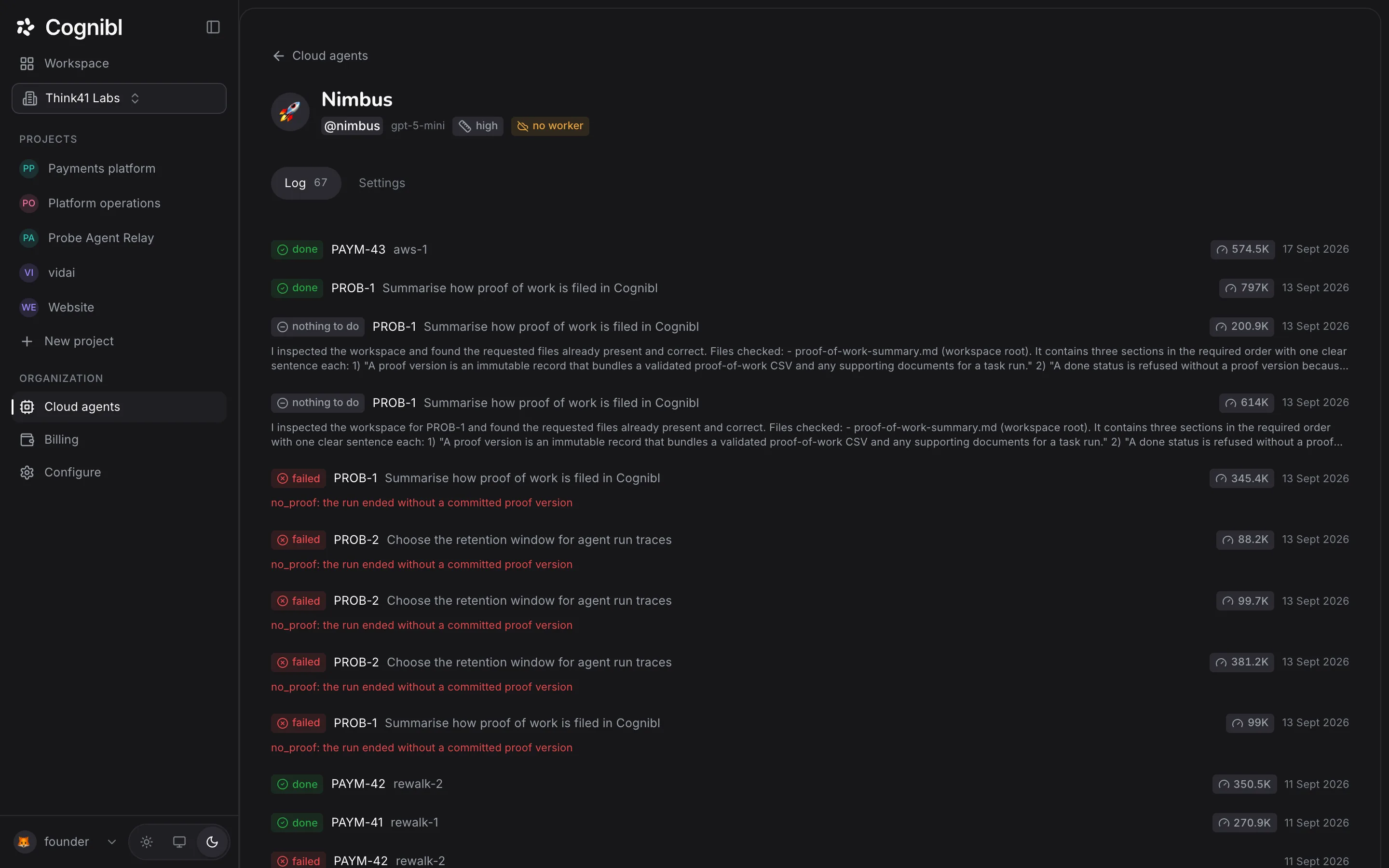
Connect once. Each project then grants access toolset by toolset.
- 1Connect
Connect once from the store
Sign in, paste a tested key, or nothing at all.
- 2Grant
Grant access per project
One switch per toolset. All off by default.
- 3Call
Calls go through the gateway
Plain MCP to one endpoint. Only granted toolsets are called.
- 4Record
Every call is traced
Allowed, refused or failed, every call is logged.
Per project
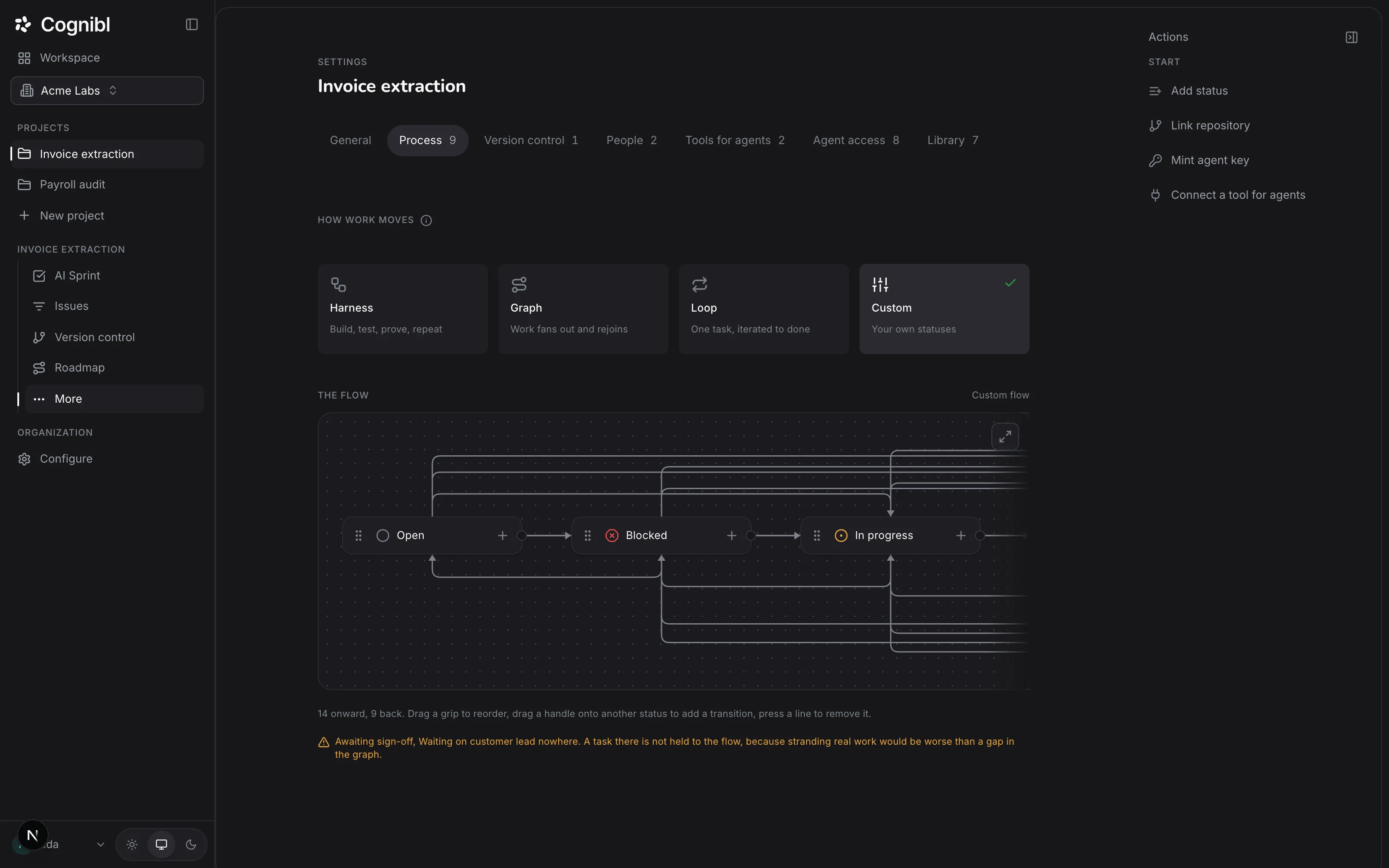
Each project decides what its agents can read
Each project turns on only what its work needs.
GitHub
3 grantedTools for agents- ReadRepositories
- ReadPull requests
- ReadIssues
- ReadActions
- ReadCode security
See what agents can read before you grant access
Browsing the store is free. Connecting a tool takes one sign-in.
Read-only
Agents can only read for now
Writes open once the staging store is built. The grant screen says so.
Write access needs the staging store, which is not built yet.
Read access is available now.
- GitHub through its read-only endpoints
- Google Workspace with read-only OAuth scopes
- Atlassian with read scopes only
- Community servers narrowed to tools that declare themselves read-only
Trace
Hash-chained- github__pull_requests__geta41f09c
- google__drive__search7be2d10
- github__actions__list_runsc93e4a8
- linear__issues__get15d7f62
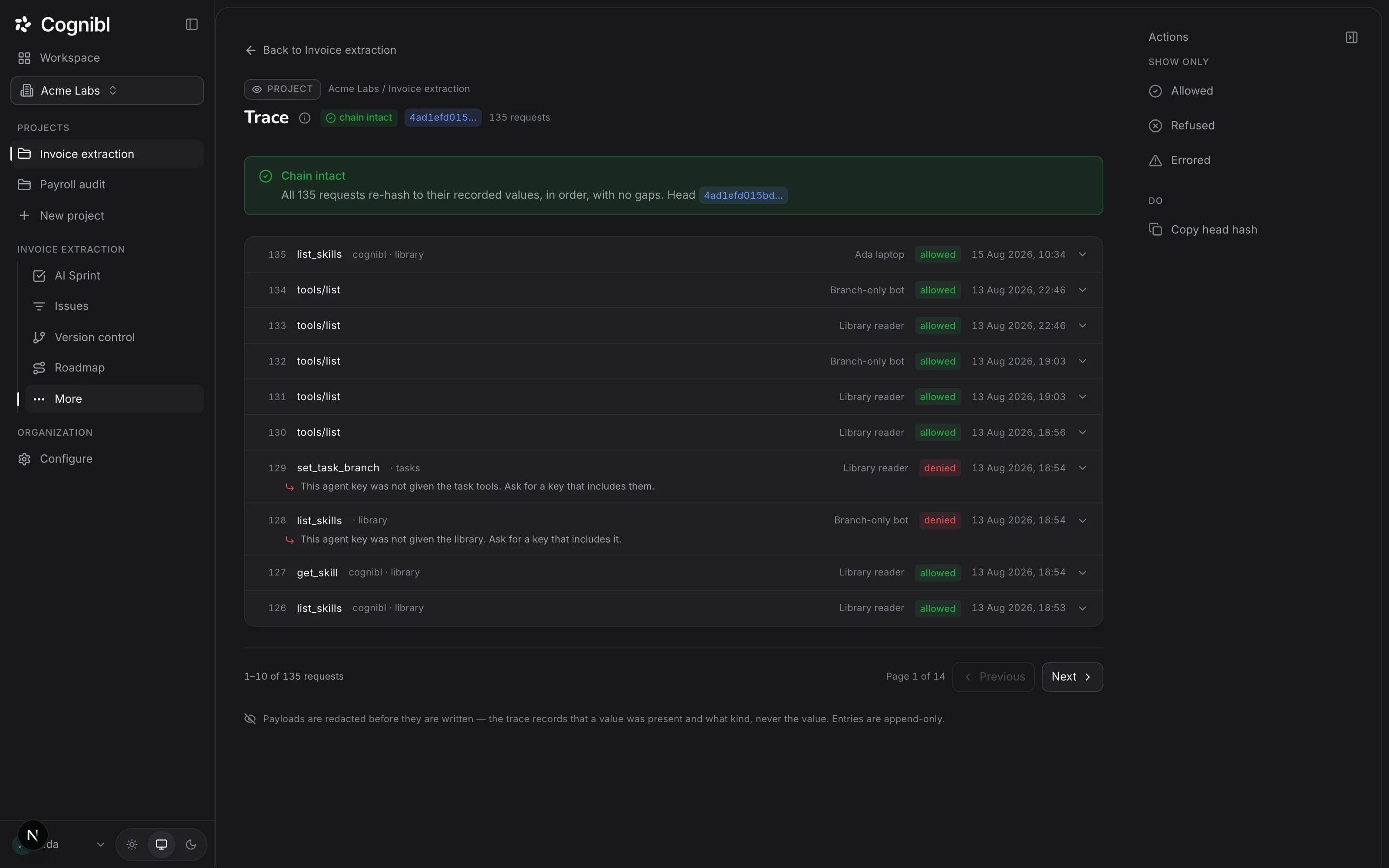
Actions is not granted on this project, so the call was refused and recorded.
Trace
Cognibl records every tool call itself
Every call is recorded as it happens, hash-chained and redacted, so nobody can quietly edit it.
Details
More about the gateway
Your credential stays with us
Encrypted and used only by the gateway.
Search the official MCP registry
An admin reviews community servers first.
Certified and community labels
You always see which kind a server is.
Bring your own agent
Claude Desktop, Claude Code or Cursor, same grants.
Refusals give nothing away
The same message for every cause, so probing learns nothing.
See the access before you connect
Each toolset shows a Read or Write chip.
Questions
What people ask about connections
Which tools, what an agent can do with them, and what is recorded.
What is a connection in Cognibl?
An account on another system, such as GitHub or Google Workspace, authorised once so that Cognibl's gateway can reach it on an agent's behalf. Connecting stores the credential, encrypted. It grants nothing on its own: each project then chooses which toolsets its agents may use.
Which tools can I connect?
94 providers today. Six are certified by Cognibl: GitHub, Google Workspace, Atlassian for Jira and Confluence, Linear, Notion and Microsoft Learn. 88 more are community servers from a curated list, including HubSpot, Stripe, Sentry, Vercel, Supabase, Box and Canva. From the store you can also search the official MCP registry.
Can an agent write to my tools?
Not yet. Every toolset is read-only today, and the console says why: write access needs a staging store, where a proposed change waits for approval before it reaches your system, and that store is not built. Read-only is enforced at the source, with read-only endpoints and read-only OAuth scopes, not only by a setting of ours.
Does the agent ever see my credentials?
No. An agent authenticates to Cognibl with a key Cognibl created, and only its hash is stored. The gateway holds the credential for the tool and makes the call. The agent receives the result, never the token that fetched it.
How is a community server kept safe?
An admin has to stock it in the organization's store before anyone can connect it, and it is narrowed to the tools that declare themselves read-only, both when tools are listed and again when one is called.
Is every call recorded?
Yes. Every call through the gateway, whether allowed, refused or failed, is written to the project's trace: append-only, hash-chained, and redacted at the moment of capture. The trace is written by the gateway, not reported by the agent.
Can I use my own agent, such as Claude Code or Cursor?
Yes. Create a key on your account, narrow it to the projects and tools it should reach, and the console hands you a ready mcpServers block for Claude Desktop, Claude Code or Cursor. That agent then speaks plain MCP to Cognibl, under the same grants and the same trace.
Is this built on MCP?
Entirely. Cognibl does not write connectors. Every system is reached through an existing MCP server, and adding one is configuration and policy rather than code. From an agent's side, Cognibl is one MCP endpoint and a key.
Have a question we did not answer? Ask us.
Try Cognibl free with your team
Every feature is free for teams of up to 10. No card needed.