Product / Recurring tasks
Recurring tasks done by an agent on a schedule
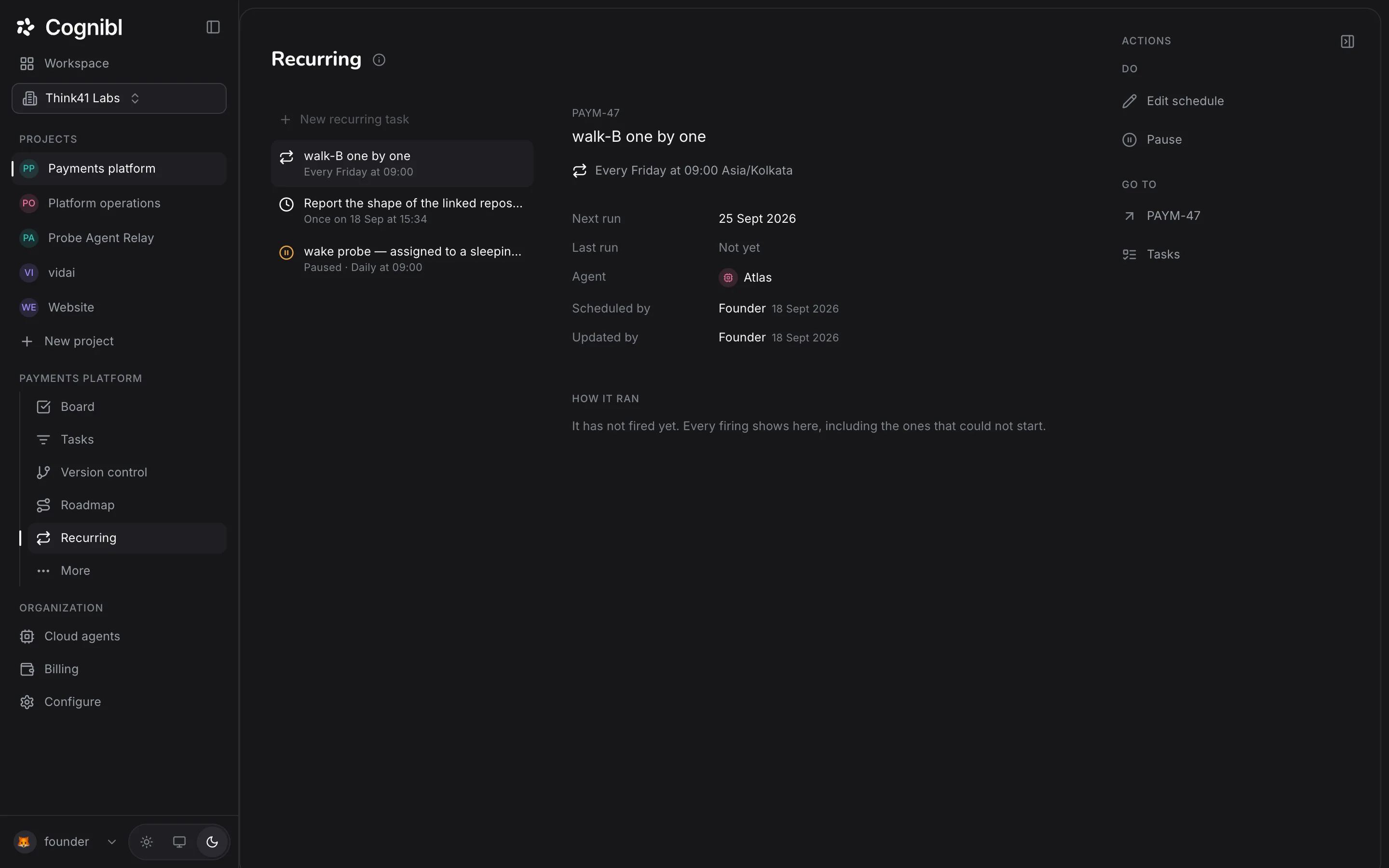
Write a task once and pick a schedule. Each run is a new task for a cloud agent, with its own proof.
Recurring
Each schedule reads like a plain sentence
Every schedule on one screen, soonest first.
Reconcile yesterday's Stripe payouts
Daily at 09:00 Europe/London- Next run
- Tomorrow at 09:00
- Last run
- Today at 09:00
- Agent
- Nimbus
Cadence
Choose how often a task runs
Hourly, daily, weekly, monthly or once, each in its own time zone.
Hourly
Hourly at :15 past the hour
Daily
Daily at 09:00 Europe/London
Weekly
Every Monday at 09:00 Europe/London
Monthly
Monthly on the 1st at 09:00 Europe/London
Monthly runs on the 1st to the 28th, so no month is skipped.
Each run
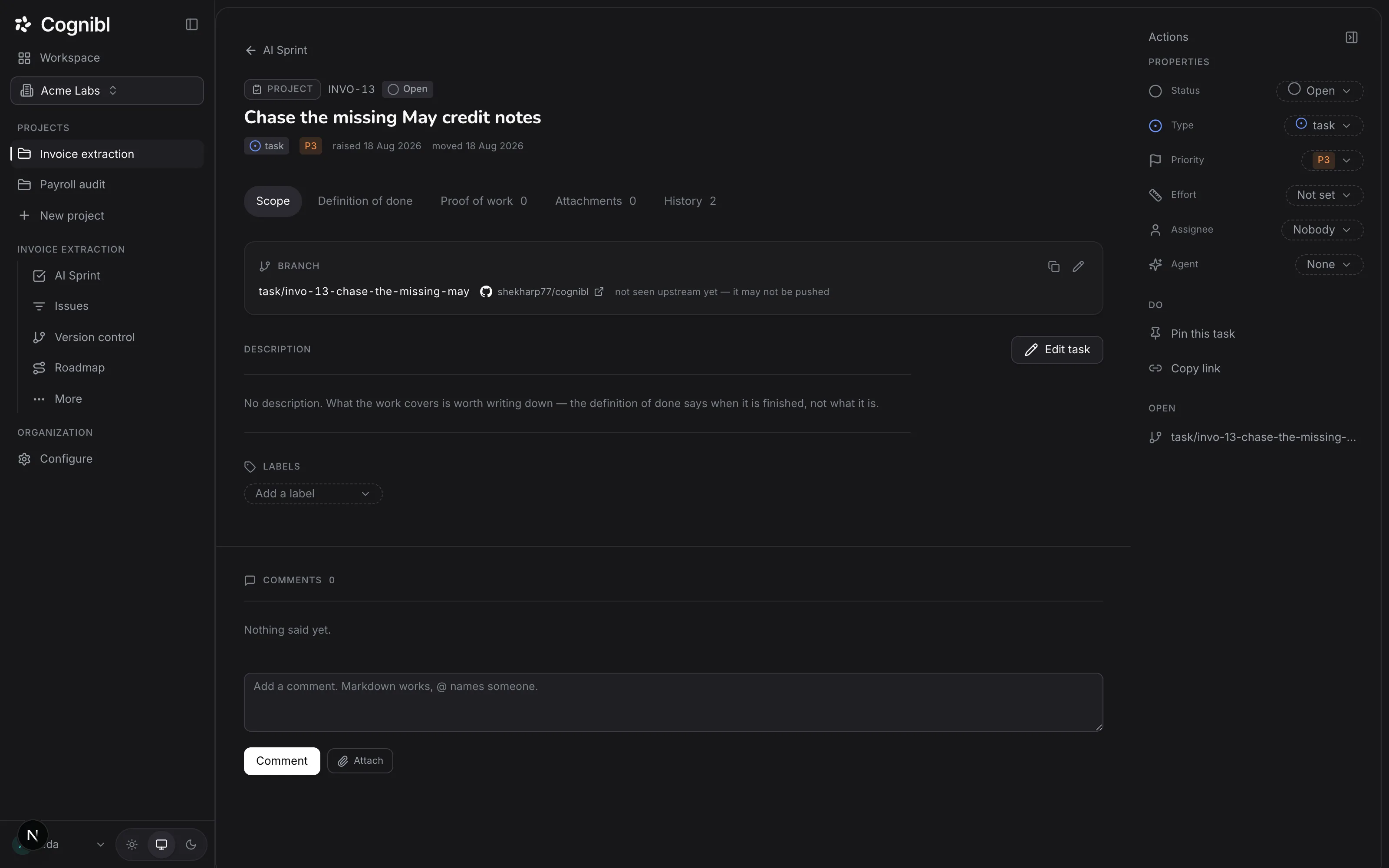
Each run creates a new task with its own proof
The task you wrote is a template. Each run copies it, assigns the agent and starts.
- PAY-71In progressNimbus is on it
- PAY-64Doneproof v1
- PAY-58Nothing to dono payouts that day
Hand your weekly chores to an agent
Reports, reconciliations and dependency updates. Write them once and get proof every time they run.
Reliability
Schedules that never double up or fail silently
No double runs, no silent gaps.
Each slot runs once
A retry cannot run a slot twice.
No pile-ups
A run still going skips the next one, and says so.
Its own time zone
09:00 stays 09:00 through daylight saving.
No silent failures
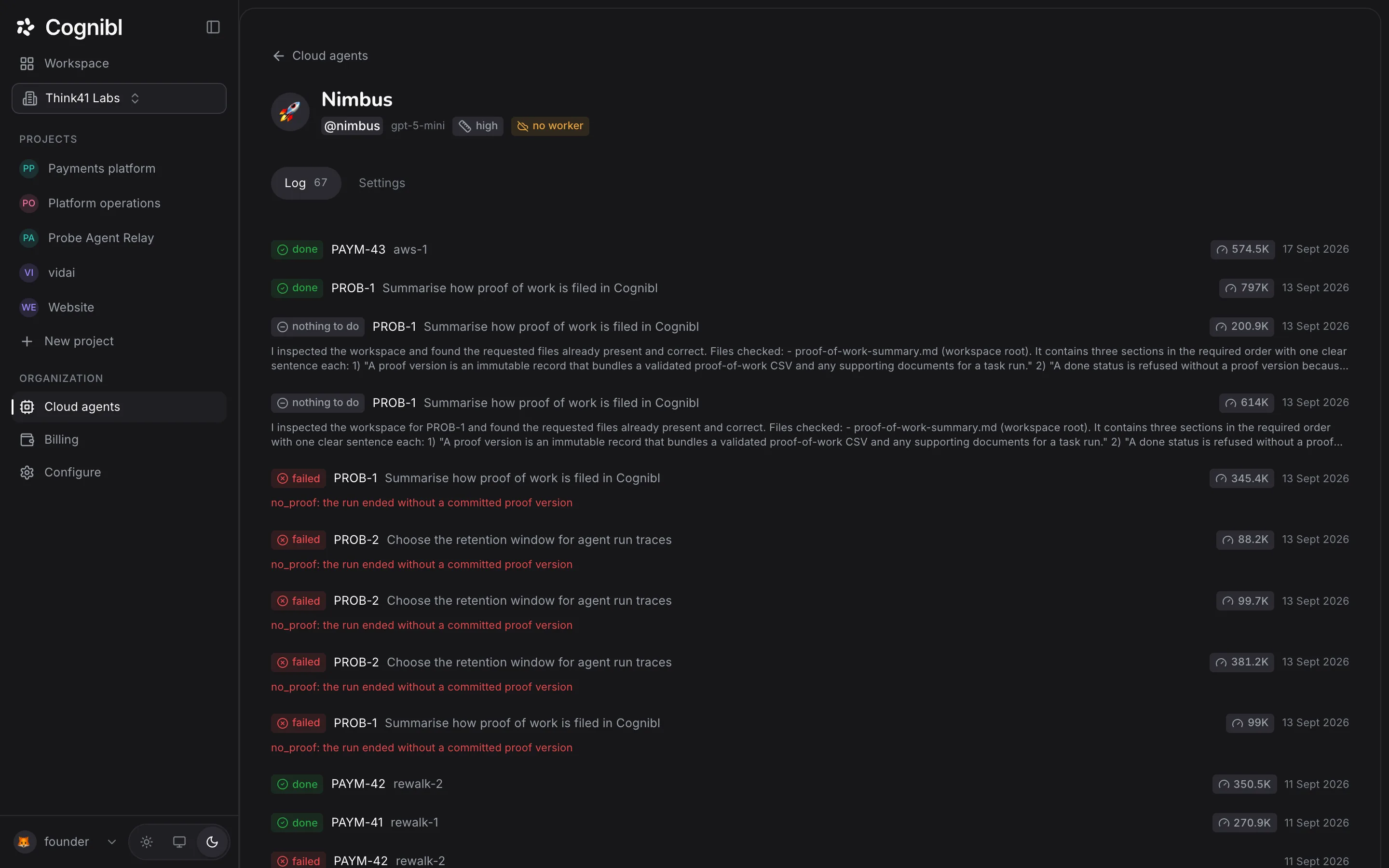
A run that could not start is logged with its reason.
Sleeping agents wake
Asleep agents wake for their run.
Pause with one click
Resume starts from now, with no flood of catch-up runs.
Runs
- Today 09:00PAY-71running
- Yesterday 09:00PAY-6438k tokens · 4m 12s
- Mon 09:00PAY-589k tokens · 1m 05s
- Sun 09:00PAY-5241k tokens · 4m 40s
History
See a year of runs on one screen
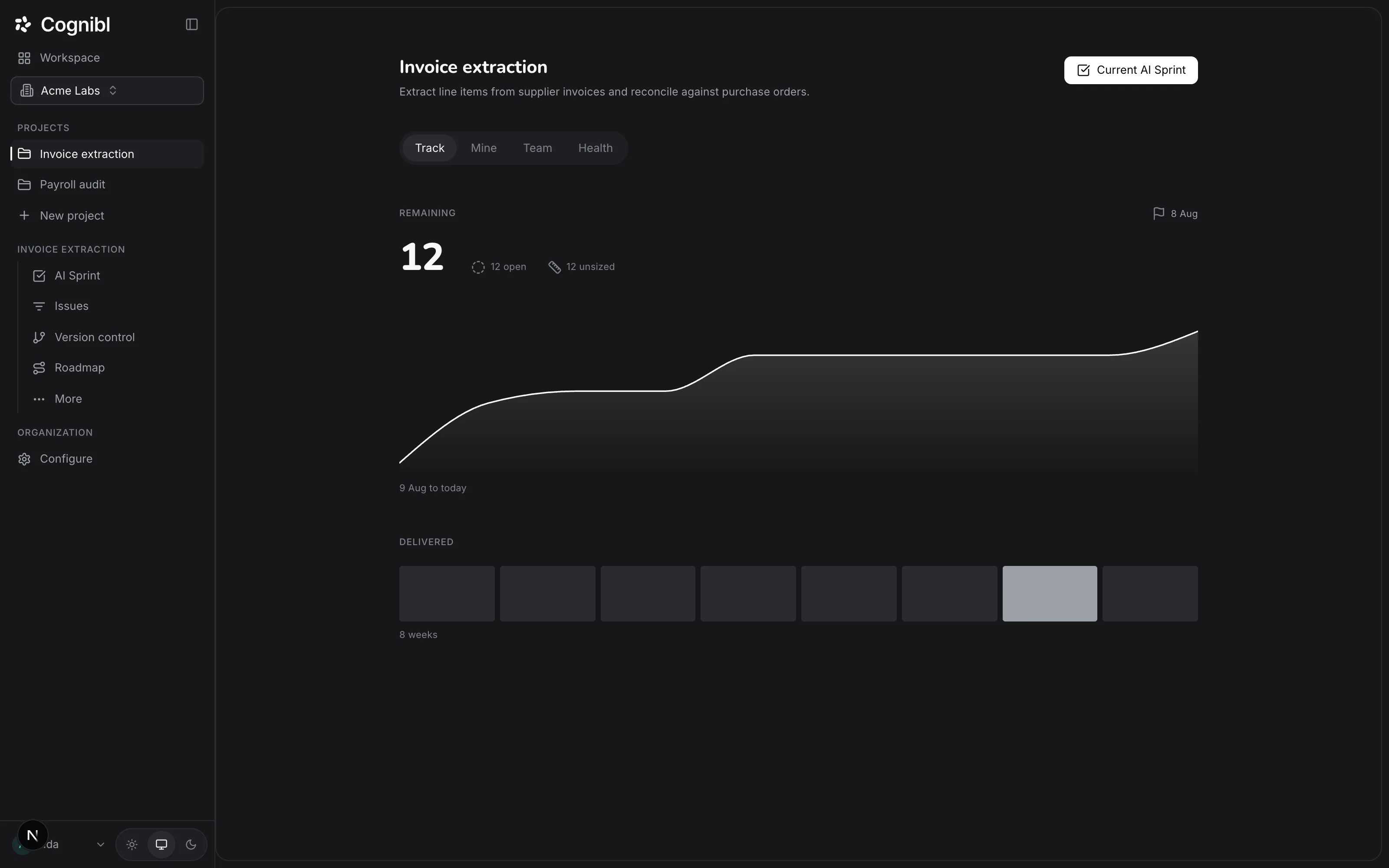
Every run with its outcome, tokens and time, plus a year-long grid and a cost chart.
Questions
What people ask about recurring tasks
Cadences, time zones, overlaps and proof.
What is a recurring task in Cognibl?
A task that repeats on a schedule, done by a cloud agent. The task you write is a template, and nobody works on it directly. Each time it runs, Cognibl creates a new copy, assigns it to the schedule's agent and starts the run. The copy has its own proof, comments and status.
Which schedules can I set?
Once, or repeatedly: hourly at a chosen minute, daily, weekly on a chosen day, or monthly on the 1st to the 28th. Monthly stops at the 28th so no month is ever skipped. Every schedule reads back as a sentence, such as "Every Monday at 09:00 Europe/London".
Can I use a cron expression?
No. You choose from a short list so anyone on the team can read a schedule and know when it runs. If the list cannot express what you need, you usually need two schedules.
How are time zones and daylight saving handled?
Each schedule keeps its own time zone. The next run is worked out in local wall-clock time, so a daily 09:00 stays 09:00 across the change. When the clocks go back, the repeated hour fires once; when they go forward, a time inside the missing hour fires just after the gap instead of skipping the day.
Can a person be assigned to a recurring task?
No. Recurring work is always done by a cloud agent, and the database enforces it. If a task belongs to a person when you schedule it, saving hands it to the agent you pick, and the dialog says so before you save.
What if the last run is still going when the next one is due?
The new firing is skipped and recorded as skipped, rather than starting a second run on top of the first. A firing that could not start at all, because the agent is archived or the workspace is out of credit, is recorded too, so the history never has silent gaps.
Does every run need a proof of work?
Yes. Each copy is an ordinary task with the same proof check. It cannot enter a done status without a proof of work, judged against the template's definition of done. An agent that finds nothing to do can end the run that way, and that counts as a valid ending.
What does a recurring task cost?
Each run draws prepaid credit per turn at the model provider's list price, like any other agent run. Tokens and duration are shown for every run, and a chart plots cost and time per run.
Have a question we did not answer? Ask us.
Try Cognibl free with your team
Every feature is free for teams of up to 10. No card needed.