Product / Version control
Version control your whole team can follow
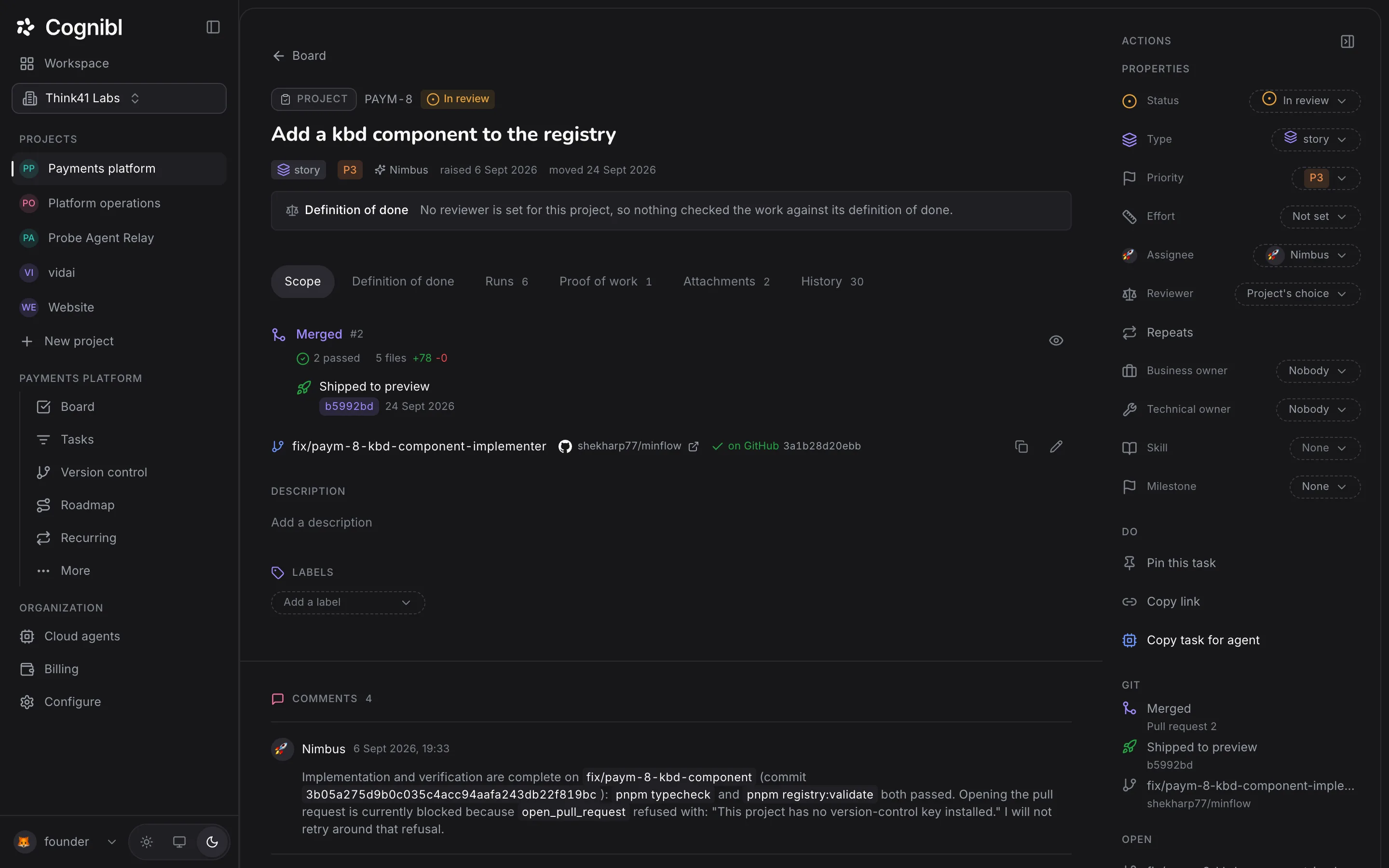
A branch and pull request per task, each with one clear status. Agents open them. A person merges.
GitHub today, linked with a fine-grained token your admin controls.
Pull requests
See every open pull request with a one-line status
Open pull requests, status first, each tied to its task. Failures stand out.
Pull requests
5 open- Ready to merge#48PAY-21
- 2 checks failed#46PAY-19
- Changes requested#47PAY-22
- Clashes with the base branch#44PAY-18
- Waiting for a review#49PAY-25
Status
Five GitHub signals become one clear status
Checks, reviews, comments, conflicts and draft state become one headline and a next step.
- Checks
- Reviews
- Comments
- Mergeability
- Draft state
4 checks passed, 1 approval, no open comments.
- No pull request yet
- Still a draft
- 3 checks running
- Waiting for a review
- 2 comments on the code
- Changes requested
- 2 checks failed
- Clashes with the base branch
- Ready to merge
- Merged
- Merged, then reverted
- Closed without merging
Branches
Each task gets a branch named after it
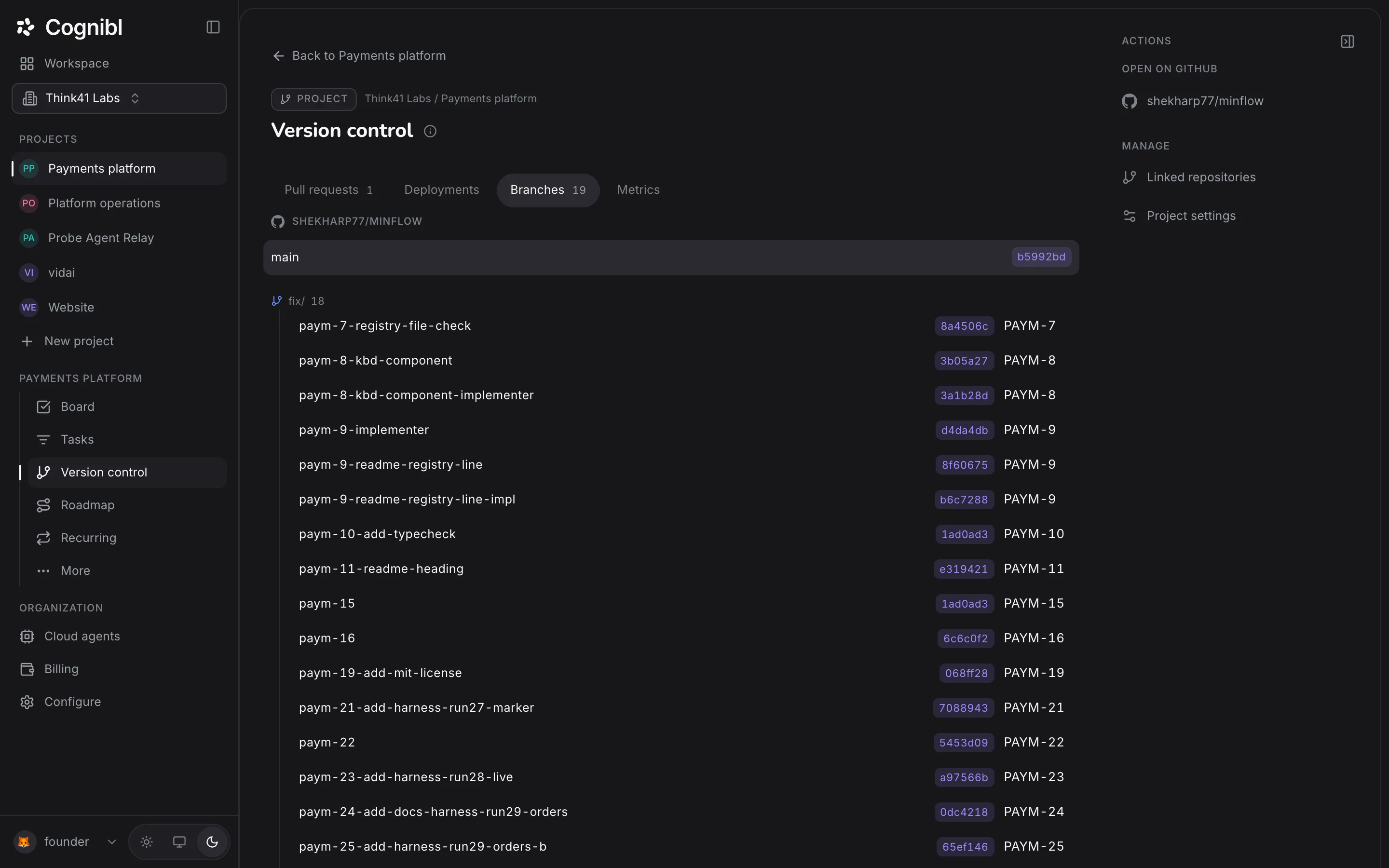
Named from the task's type, key and title. Branches made by hand are linked too.
- Bugfix/pay-12-duplicate-refunds
- Storyfeat/pay-21-reconcile-payouts
- Tasktask/pay-30-rotate-webhook-keys
Agents open pull requests and people merge them
Link a repository in a project's settings. The first verdicts appear as soon as a branch does.
Merge
Merging moves the card one step forward
Only a person can merge, and never over a clash, a failing check or requested changes. Done still needs proof.
Merged. Moved to QA.
Merged, but this task needs its proof of work before it can move to Done.
Merged, then reverted
It is not live.
Code review
Send review findings back to the agent
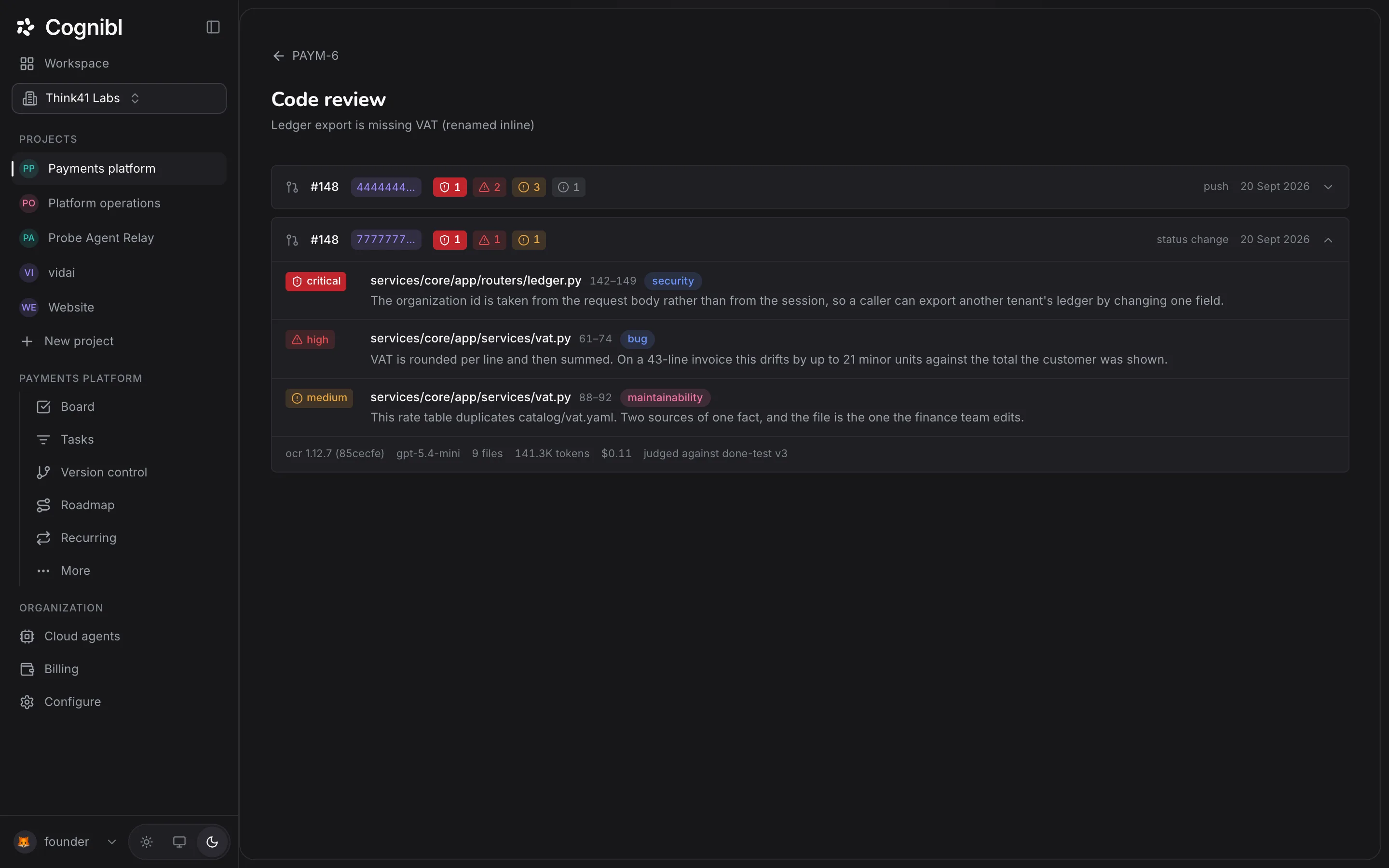
A checker reviews every push. Send findings back with a note, a set number of times.
Code review
1 high2 medium#48- ledger/reconcile.py:142correctness
- ledger/reconcile.py:88error handling
- payouts/fetch.py:31performance
Details
More about version control
A key the project holds
A fine-grained token, encrypted and never shown again.
References instead of copies
We store references and hashes. Your code stays in GitHub.
Branches shown as a tree
Grouped by prefix, each tied to its task.
Deployments and rollbacks
Admins can ship an earlier version in one step.
Webhook optional
Faster with one. Cognibl catches up without.
Agents never hold the key
Agents push through our proxy, never with the token.
Questions
What people ask about version control
Branches, verdicts, merges and review.
Which version control systems does Cognibl support?
GitHub today. A project links its repositories with a project key, a fine-grained GitHub personal access token that an owner or admin adds. GitLab and Bitbucket are planned and refused with a plain message until they arrive.
Does Cognibl keep a copy of my code?
No. Your repository stays in your GitHub. Cognibl keeps references and hashes: the commit, the pull request number, the branch. It never mirrors the repository or holds a second copy of record.
How are branches linked to tasks?
By the task key. Cognibl suggests a branch named from the task, such as feat/pay-21-reconcile-payouts, and it recognises the key anywhere in a branch name or pull request title, so a branch someone created by hand is picked up with nothing to configure.
Can an AI agent merge a pull request?
No. Agents push through Cognibl's git proxy, which refuses a push to the base branch, and merge is a console button only a person can press. It is refused outright while the branch clashes with its base, checks are failing or changes are requested.
What happens to the task when a pull request merges?
It moves one status forward, for example from In review to QA, never straight to done. If the next status is a done status and the task has no proof of work, the move is refused and the task says what is missing.
Do I need to set up a webhook?
No. A webhook makes updates arrive sooner, but without one Cognibl asks GitHub when anyone opens the task and catches up, recording the move so it happens only once. Older merges are caught the same way.
What if a merged change is reverted?
GitHub keeps saying the pull request was merged, so Cognibl checks whether the merge is still in the base branch. If it is not, the task reads "Merged, then reverted" and does not move forward.
How does code review work?
An automated checker reviews the change when a task reaches In review and again on every push, and lists findings by severity with the file and line. A person can send the task back with the findings that matter, up to a set number of times. Findings stay in Cognibl as records; they are not posted to GitHub.
Have a question we did not answer? Ask us.
Try Cognibl free with your team
Every feature is free for teams of up to 10. No card needed.