How to invite your team and set roles
Open Configure, choose Members, enter an email and pick Member or Admin. The invitation link works for 48 hours. Then add each person to the projects they should open.
Before you start
- An organization on the Business plan. A personal workspace is for one person, and inviting people is a Business feature.
- The owner or admin role. Only owners and admins see the invitation form.
Step by step
Open Configure and choose Members
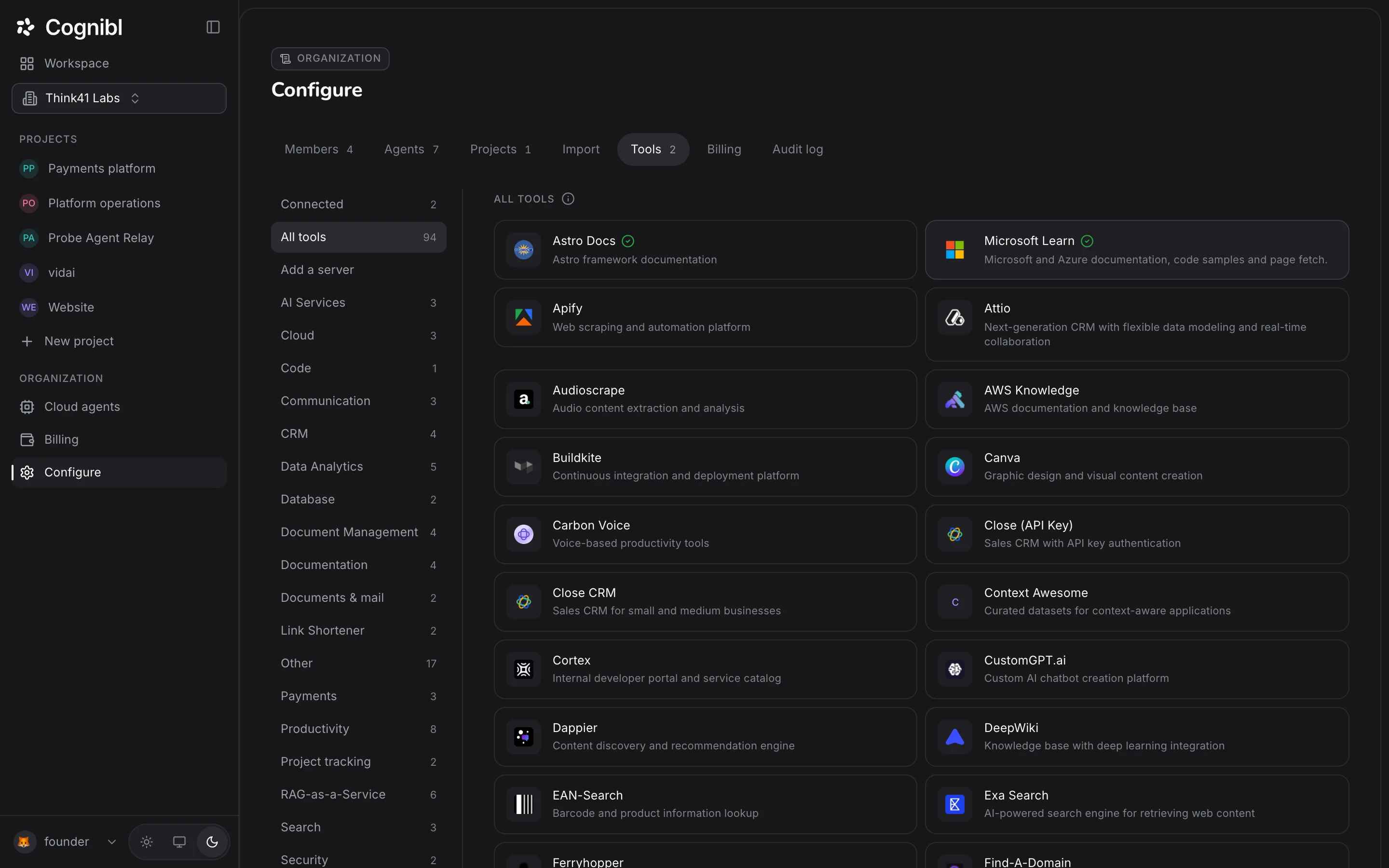
In the navigation rail, under Organization, press Configure. The Members tab is first, and the number beside it is how many people are in the organization.
Enter an email and pick a role
Under Invite someone, type the person's email and choose Member or Admin. A member can open the projects they are added to. An admin can also invite people, create projects and read the audit log. Owner cannot be given by invitation.
Send the invitation
Press Send invitation. A notice confirms the address, and the person appears under Invited until they accept. Press Cancel beside a pending invitation to withdraw it.
Have them accept
The email carries a link that works for 48 hours and only for the invited address. The page shows the invited address, the role and the expiry, with Join and Decline.
Add them to a project
Open the project, choose Settings and the People tab. Press Add someone, pick the person and press Add. A member opens only the projects they have been added to.
Change a role or remove someone
Back on Members, use the role picker on a person's row to change their role. Only an owner can promote somebody to Owner. The remove control on the row takes effect at once, with no second confirmation.
Which role should you give?
Give the lowest role that lets the person do their job. You can raise it later from the same row.
| Role | Give it to |
|---|---|
| Member | Anyone who works on tasks in the projects they are added to |
| Admin | People who set up projects, connect tools, hire agents or read the audit log |
| Owner | The few people who should control billing and other owners |
Several things in Cognibl are limited to owners and admins: changing a project's process, adding a version control key, connecting a tool for the organization and hiring a cloud agent. If a teammate reports that a control is missing, their role is the first thing to check.
Where is the record?
The organization keeps one audit log, and owners and admins read it on the Audit log tab of Configure. The audit log is a Business feature, and it is kept in full.
What to check afterwards
- The person appears under In this organization with the role you meant.
- They are on the People tab of each project they need.
- Nobody is still under Invited from a link that has expired.
Questions
What people ask about members and roles
What can each role do?
An owner has full control, including billing and removing other owners. An admin can invite people, create projects and read the audit log. A member can open the projects they are added to.
Which plan do I need to invite people?
Business, at $5 per seat per month with no seat limit. A personal workspace is for one person. Creating an organization is free, and you upgrade when you want to add people. Removing a person or cancelling an invitation works on every plan.
How long does an invitation last?
48 hours. After that the link shows that the invitation has expired, and an owner or admin sends a new one.
Can someone else use an invitation link?
No. The link works only for the address it was sent to. Anyone else who opens it is told the invitation is for someone else.
Can I remove the last owner?
No. An organization needs at least one owner, so the change is refused until somebody else has been promoted. Only an owner can remove another owner.
Does a new member see every project?
No. Being in the organization does not open any project. Each project has its own People tab, and a member opens a project once they have been added there.
Have a question we did not answer? Ask us.
Keep reading
- How to choose a workflow for a projectPick Harness, Graph, Loop or Custom on the Process tab of a project, then set who picks up each stage. Every task in the project follows that flow.
- How to import your work from Jira or LinearConnect Jira or Linear with an API key, pick the projects and start the import. It is a one-way copy, and closed issues arrive open in Cognibl.
- All guidesEvery guide, in the order a new team needs them.