How to import your work from Jira or Linear
Open Configure, choose Import, connect Jira or Linear with an API key, pick the projects and start the import. It is a one-way copy, and closed issues arrive open because done needs proof.
Before you start
- An organization, and the owner or admin role in it. Import is limited to owners and admins.
- For Jira: your site address, your Atlassian account email and an API token.
- For Linear: an API key.
Step by step
Open Configure and choose Import
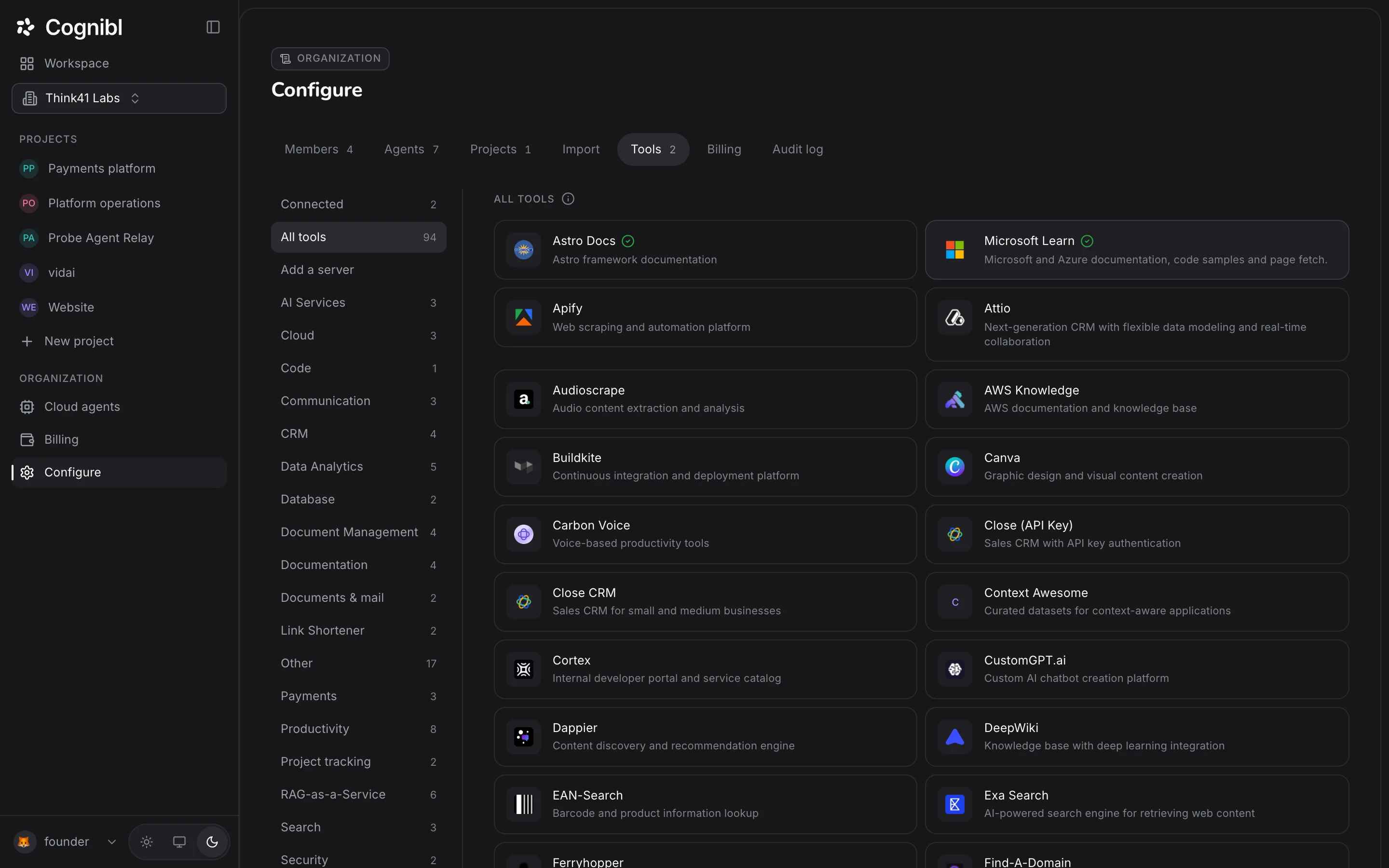
In the navigation rail, under Organization, press Configure, then the Import tab. The screen is headed Bring your work across.
Choose Jira or Linear
Pick the provider you are moving from. Both connect with a key you create in that product. The import is one-way.
Connect and check the key
For Jira, fill in Jira site, Atlassian account email and API token. For Linear, fill in API key. Press Check the key. The check runs against the provider before anything is imported.
Pick the projects
Choose which projects to bring across. Each one becomes a Cognibl project with its issues as tasks.
Decide how closed work lands
Under How work should land, switch on Bring closed issues too if you want history, and choose a status in Closed issues land on. Closed issues cannot arrive as done, because a done status needs a proof of work.
Start the import
Press Start the import. The screen shows Bringing it across while it runs and Brought across when it finishes. The run then appears under Past imports.
What comes across?
| In Jira or Linear | In Cognibl |
|---|---|
| Project | Project |
| Issue | Task |
| Epic (Jira CSV) | Roadmap milestone |
| Sprint (Jira CSV) | Phase |
| Estimate | Effort, moved to the nearest of 1, 2, 3, 5 and 8 |
| Closed issue | A task in the status you chose, never a done status |
Cognibl calls a time-boxed block of work a phase where Jira calls it a sprint. The guide on planning a phase shows how they work.
What should you do after an import?
Most issues written in another tracker do not say what done means, and that is the part of a task Cognibl relies on most. The import counts the tasks that arrived without one, and it moves any estimate that is not 1, 2, 3, 5 or 8 to the nearest of those. Start with the work that is still open:
- Open each task you plan to work on and write what done means on its Definition of done tab.
- Move the tasks for the next two weeks into the running phase.
- Leave old closed issues where they landed. They are there for reference and do not need proof unless somebody reopens the work.
What to check afterwards
- The run is listed under Past imports.
- Each imported project appears under Projects in the navigation rail.
- Closed issues are in the status you picked.
Questions
What people ask about importing from Jira and Linear
Does the import keep Jira or Linear in sync?
No. It is a one-way copy made at the moment you run it. Changes made afterwards in Jira or Linear do not arrive, and nothing is written back to them.
Why do closed issues arrive open?
Because a task cannot be in a done status without a proof of work, and imported issues have none. You choose which status closed issues land on, so they sit together and are easy to find.
Can I import a Jira CSV export instead?
Yes, into one project. Open the project's Settings and its Import tab. In Jira, use Export, then Export Excel CSV with all fields, and drop the file there. Epics become roadmap milestones and sprints become phases.
What happens if I import the same Jira CSV twice?
The second import updates what the first one created, so you do not get duplicates.
Who can run an import?
Owners and admins of the organization.
Can I import from a spreadsheet or another tracker?
Not today. The supported sources are Jira and Linear by API key, and a Jira CSV export into a single project.
Have a question we did not answer? Ask us.
Keep reading
- How to invite your team and set rolesInvite people from Configure, Members with the Member or Admin role. The link lasts 48 hours. Then add each person to the projects they should open.
- How to create a task with a definition of donePress New task, pick a type, name it and write the test it has to pass. In Cognibl a task cannot be created without a definition of done.
- All guidesEvery guide, in the order a new team needs them.