How to create a task with a definition of done
Press New task, choose a type, name the task and write the test it has to pass in the Done when field. A task cannot be created without it. Then set effort, owner and labels on the task.
Before you start
- A project you are a member of.
- One sentence that says what must be true for the work to count as finished.
Step by step
Start a new task
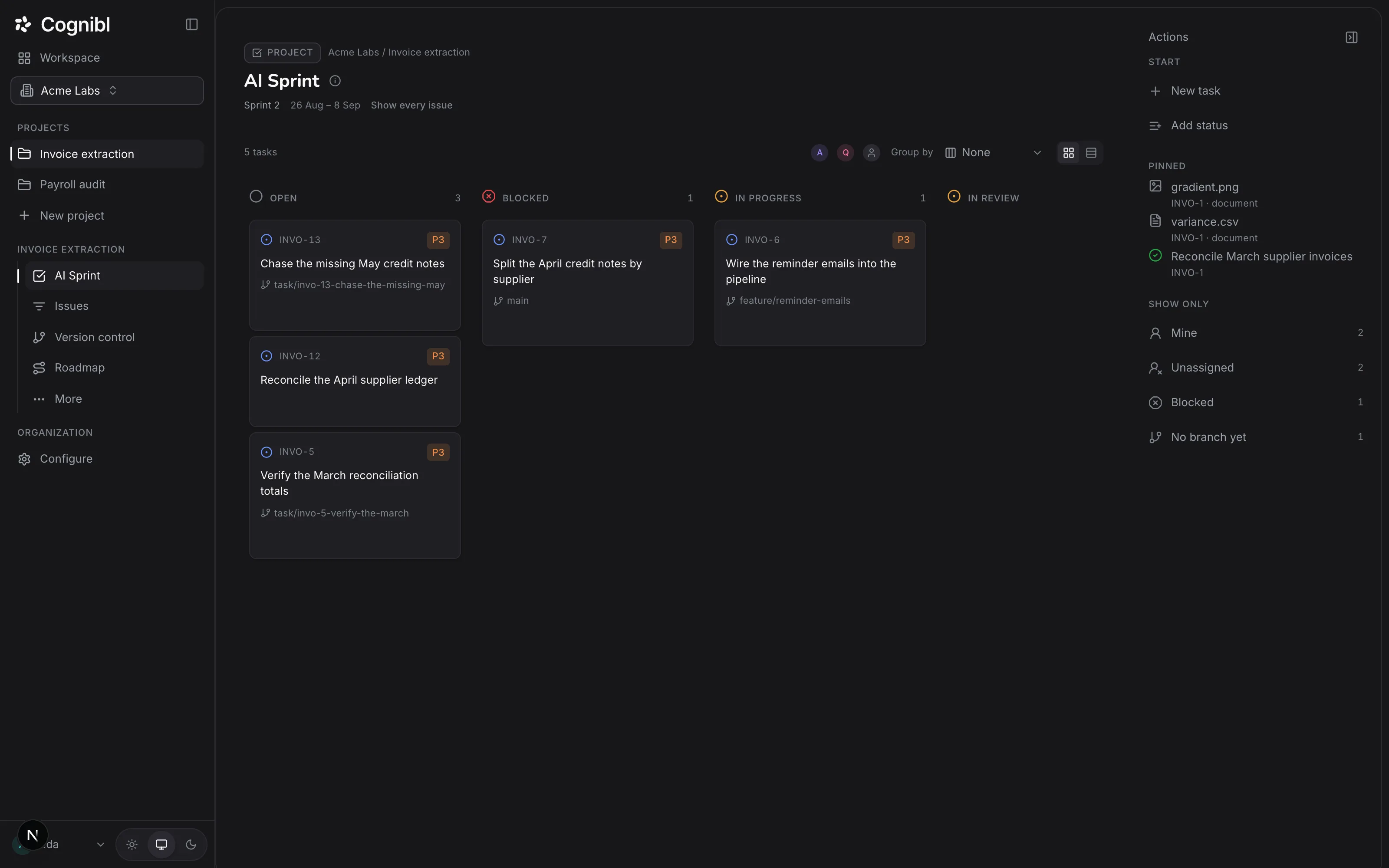
Open the project's Board or Tasks screen and press New task in the right rail. A draft appears in place, in the column or group you are looking at. There is no dialog.
Choose the type and priority
Pick Story, Task or Bug. Story is the default. Set the priority from P1 to P5, where P3 is the default. A bug can also name the story it came from.
Name it and write the done test
Type the task name, then fill in Done when… with the test this has to pass. The draft only becomes a task once it has a name and a done test of at least 10 characters.
Press Enter to create it
Press Enter. A notice confirms the new key, for example INVO-13. Escape discards the draft. The task takes its phase and status from the group or column the draft was in.
Open the task and fill in the rest
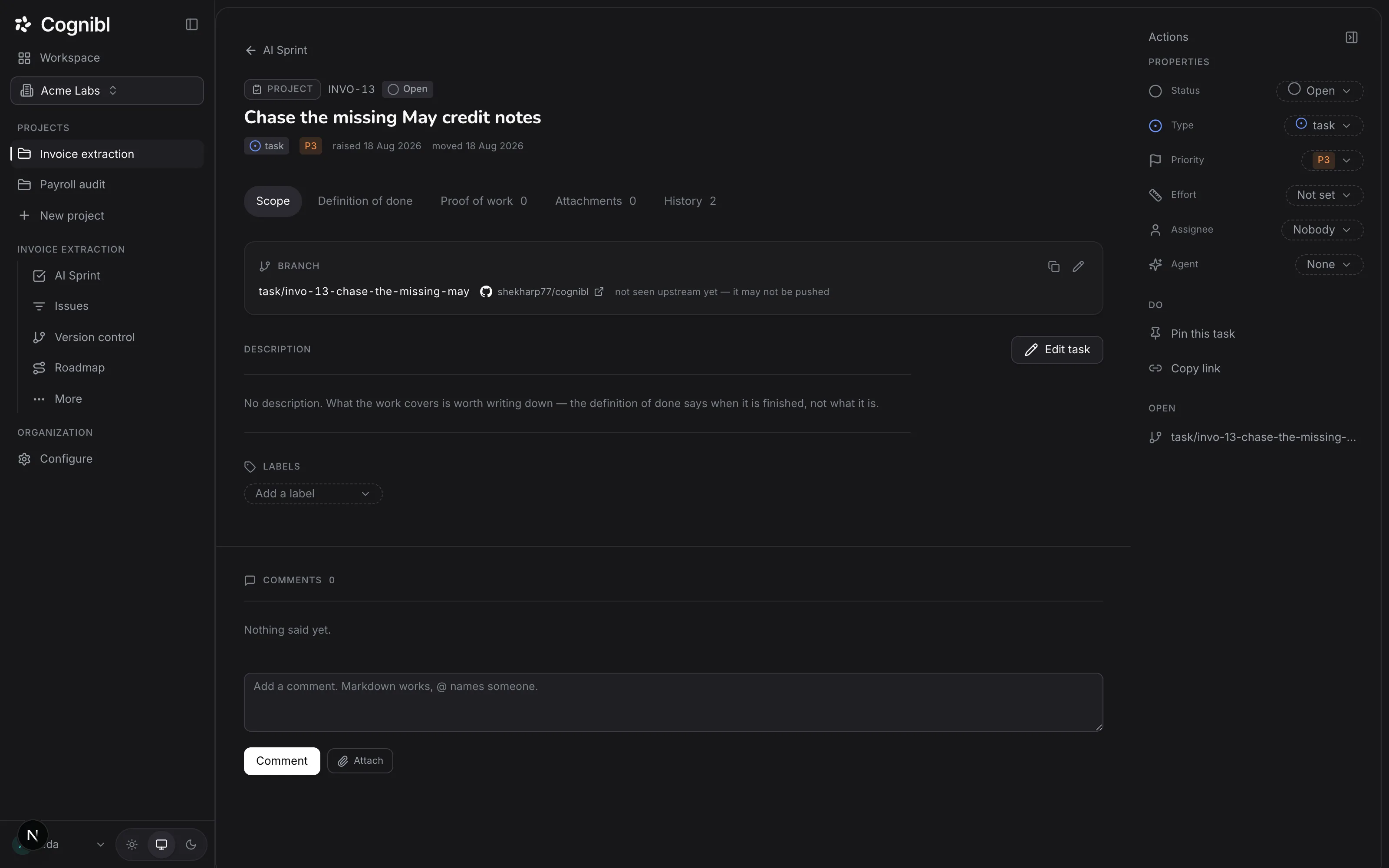
Press the task to open it. In the right rail, under Properties, set Effort (1, 2, 3, 5 or 8 points), Assignee and Reviewer. Each value is saved as soon as you pick it.
Describe the scope
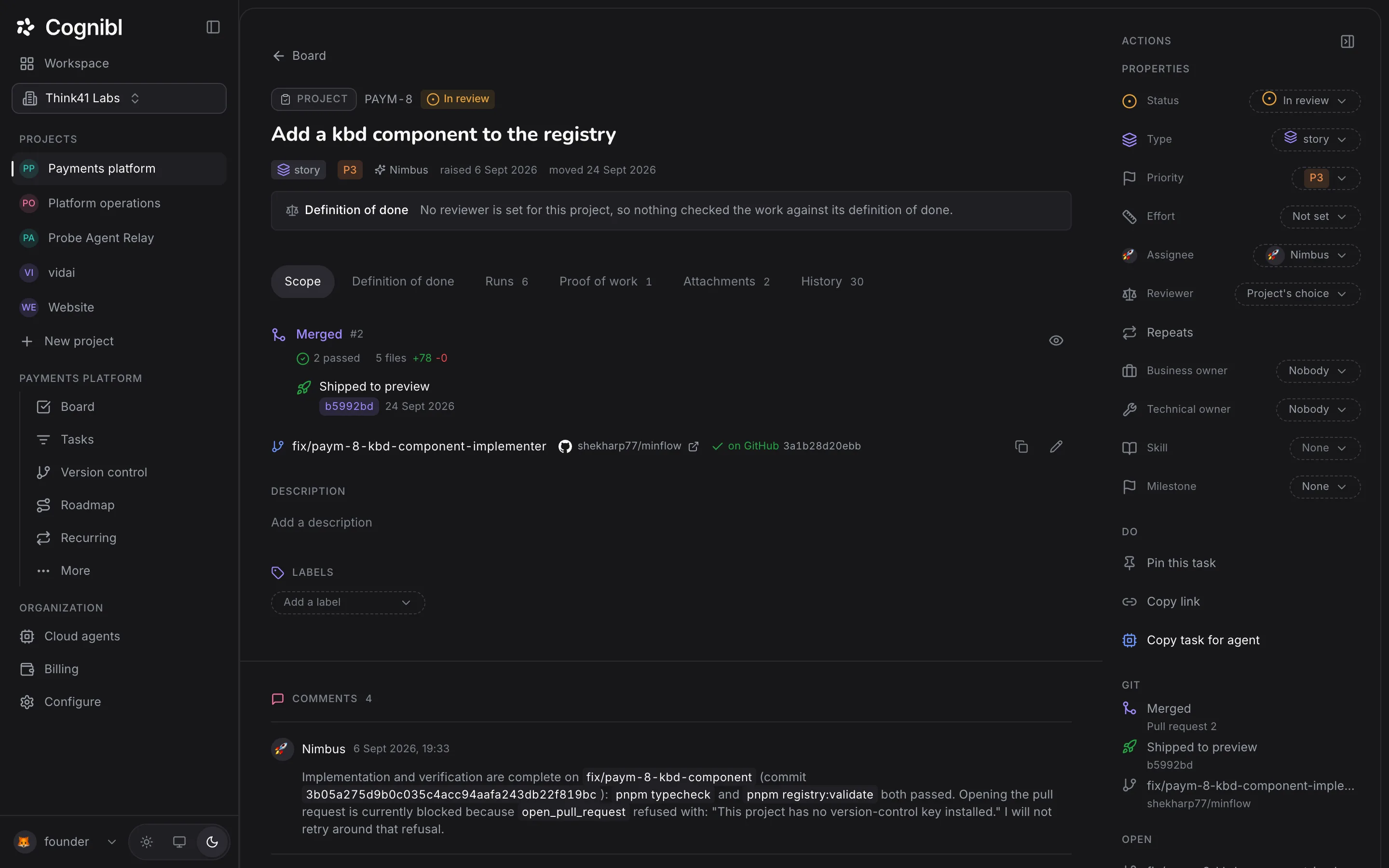
On the Scope tab, press Add a description and say what the work covers. Markdown works. Add a label from Add a label. The scope says what the work is and the definition of done says when it is finished.
Screenshot from an earlier release. Some labels have changed and the steps use the current ones. Refine the definition of done
Open the Definition of done tab and edit the text under The agreed test. Saving creates a new version and records the change. The footer shows the version number and how many times it has been rewritten.
What makes a done test checkable?
The done test is what a person, an agent and a reviewer all read. A good one names the result and the way to see it.
| Weak | Checkable |
|---|---|
| Fix the VAT export | The ledger export includes a VAT column and the export test passes |
| Improve the reminder emails | A reminder is sent 3 days before the due date and the send appears in the log |
| Clean up the importer | The legacy CSV importer is deleted and the build passes with no reference to it |
The first pass rate on the Metrics screen is the measure of this. It is the share of work that left review and went straight to done. For more on writing them, read the post on the definition of done for AI agents.
What else can a task carry?
- Comments. Markdown works, and typing @ and a name puts the comment in that person's Mentions. Writing @ and an agent's handle calls that agent.
- Attachments. Images, PDFs, Office files, zips, audio, video and text, up to 25 MB each.
- Owners. Under More in the rail, a task can name a business owner and a technical owner. An agent working the task is told who they are.
- History. The History tab is read from the audit trail, which is append-only.
What to check after creating
- The task has a key and sits in the phase and status you expected.
- The Definition of done tab reads as a test somebody could run.
- Effort is set if you want the task counted in the Delivered chart.
Questions
What people ask about tasks and the definition of done
Can I create a task without a definition of done?
No. The draft does not become a task until the done test has at least 10 characters, and the server refuses a task without one. Its message says a definition of done is required before a task can exist.
What is a good definition of done?
A test somebody else could run. Say what must be true and how to see it, such as a command that passes or a file that exists with named contents. Avoid words like improved or cleaned up, because nobody can check them.
Can I change the definition of done later?
Yes. Editing it creates the next version and the change is recorded. The task shows the current version number and how many times it has been rewritten since the task was created.
What task types are there?
Three: story, task and bug. A bug can point at the story it came from.
How is effort measured?
In points on the scale 1, 2, 3, 5 and 8. Effort is optional, and an unsized task shows as Not set. The Delivered chart on the Metrics screen counts effort points finished per week.
Is the definition of done a checklist?
No. It is one free text field that accepts Markdown. You can write a list inside it, and a reviewer agent judges each clause as met, not met or cannot tell.
Have a question we did not answer? Ask us.
Keep reading
- How to import your work from Jira or LinearConnect Jira or Linear with an API key, pick the projects and start the import. It is a one-way copy, and closed issues arrive open in Cognibl.
- How to file proof of work and move a task to doneUpload a proof of work CSV on the Proof of work tab of a task. It is validated on upload, and once a version exists the task can enter a done status.
- All guidesEvery guide, in the order a new team needs them.