How to set what AI agents can access in a project
Open project settings and the Agent access tab. Seven switches control what agents may do, from reading tasks to cloning code, and all of them start off. Switch on only what the work needs.
Before you start
- The owner or admin role. The switches are read-only for everyone else.
- A clear idea of what the project's agents are for. Access follows the work.
Step by step
Open the Agent access tab
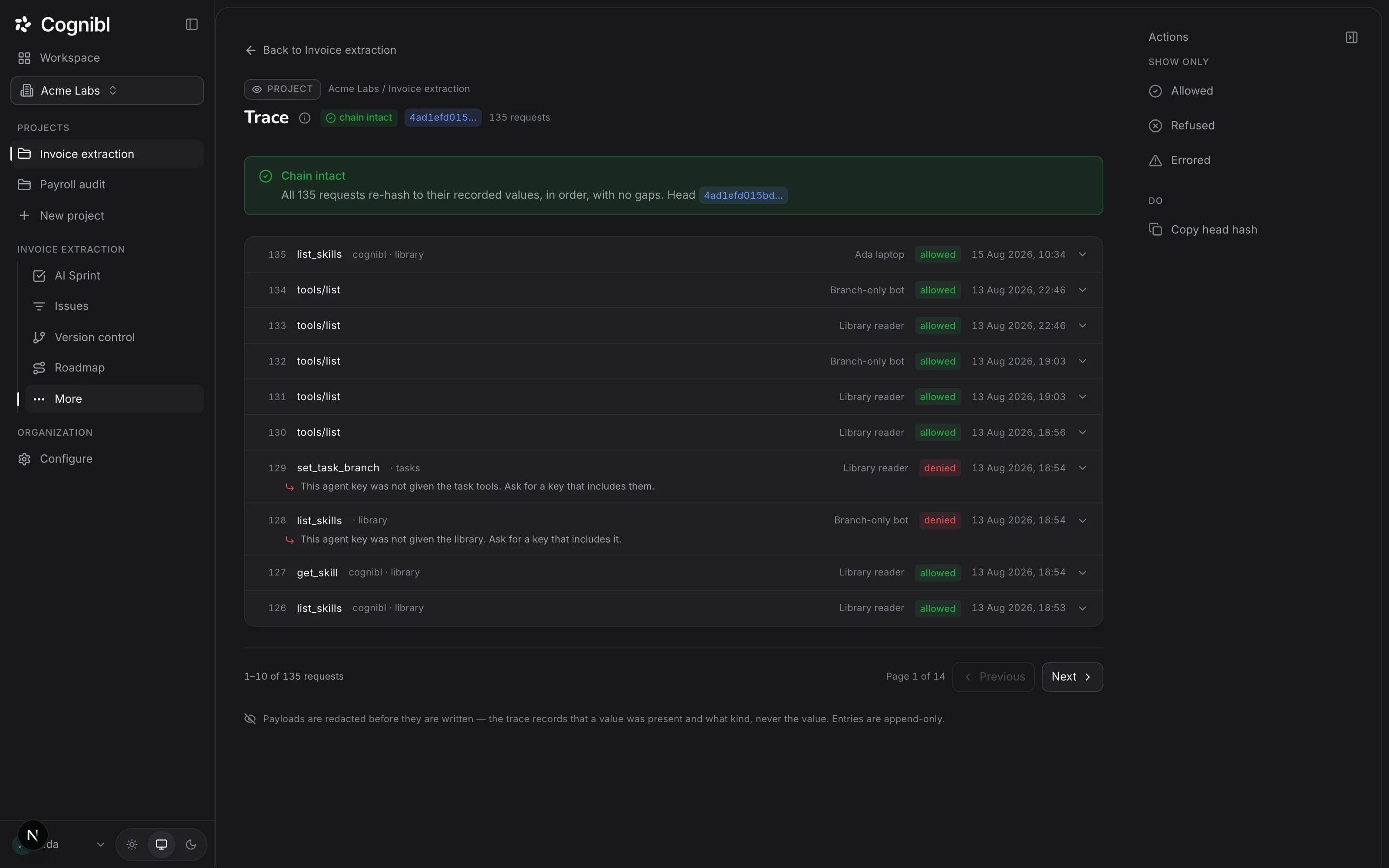
Open the project, choose Settings and the Agent access tab. It is headed Deny by default: nothing is on unless it is switched on here, and every refusal is written to the trail.
Screenshot from an earlier release. Some labels have changed and the steps use the current ones. Let agents read tasks
Switch on Task reading. Agents may then read this project's tasks, their definitions of done and its statuses. Almost every agent needs this one.
Let agents write to tasks
Switch on Task writing if agents should comment, move a status and upload proof of work. A done status still needs proof.
Decide on code
Branch writes lets agents record the branch a task's work is on. Code access lets them clone the linked repository through Cognibl, read how it is laid out and propose pull requests. Pushes to the branch they cut from are always refused.
Decide on review, library and memory
Code review reviews a pull request automatically when its task enters a stage the reviewer picks up from, and again on every push. Library access lets agents fetch the project's skills and agent manifests. Memory lets them write down what they learn and read what earlier agents left.
Name a reviewer
Under Who reviews the work, open Reviewer and pick an agent. The default is Nobody, and with nobody set, nothing checks work against its definition of done in this project.
Confirm it in the trace
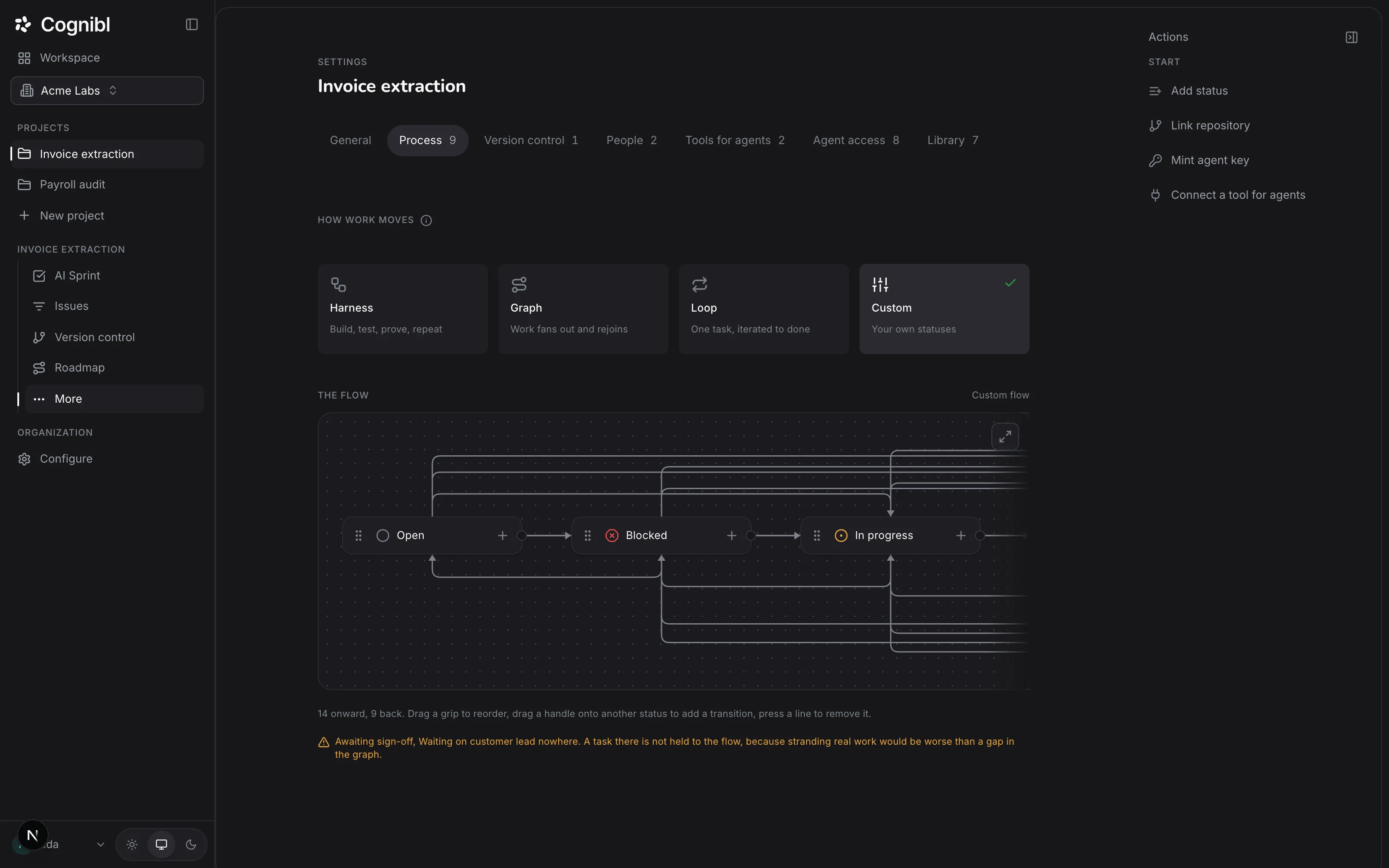
Open the project's Trace after the next agent run. A request for something you left off shows as denied, with a sentence naming what was not enabled.
Which switches does each kind of work need?
Start from the work and switch on the least that makes it possible.
| The agents will | Switch on |
|---|---|
| Read tasks and report on them | Task reading |
| Do tasks and file proof | Task reading, Task writing |
| Write code and open pull requests | Task reading, Task writing, Branch writes, Code access |
| Have their pull requests reviewed | The above, plus Code review and a reviewer |
| Follow the project's own skills | Library access |
Tools outside Cognibl, such as GitHub issues or Google Drive, are a separate decision on the Tools for agents tab. The guide on connecting tools covers them.
What does the reviewer do?
A reviewer is an agent that reads finished work against the task's definition of done and marks each clause as met, not met or cannot tell. It can never review its own work. A single task can name a different reviewer in its own rail, and Project's choice there means the one set on this tab.
What to check after changing access
- Only the switches the work needs are on.
- Reviewer names an agent, unless you mean nothing to be reviewed.
- The next run's trace shows allowed requests where you expected them and denied ones where you left a switch off.
Questions
What people ask about agent access
What can agents do in a new project?
Nothing. All seven switches start off, so an agent's first request to a new project is refused until an owner or admin switches something on.
What are the seven switches?
Task reading, Task writing, Branch writes, Code access, Code review, Library access and Memory.
Can an agent push to my main branch if Code access is on?
No. Pushes to the branch the agent cut from are always refused, whatever is switched on. The agent pushes its own task branch and cannot merge.
Does Code review send my code anywhere?
Yes. The diff is sent to a model provider so that it can be reviewed. The review itself writes nothing back to the repository.
Where do agent keys come from?
From a person's account page, not from the project. A key acts as the person who created it, inside the limits each project has set on this tab.
Is a refusal recorded?
Yes. Every refusal is written to the project's trace with the reason, and the agent receives the same sentence.
Have a question we did not answer? Ask us.
Keep reading
- How to connect Claude Code or Cursor to Cognibl over MCPCreate an agent key, paste the ready mcpServers block into Claude Code, Claude Desktop or Cursor and switch on task access for the project.
- How to link a GitHub repository to a projectAdd a fine-grained GitHub token as the project key and pick the repository. Cognibl then matches each branch and pull request to a task by its key.
- All guidesEvery guide, in the order a new team needs them.